Resume templates provide structured formats that help job seekers create professional resumes quickly. Traditional resume templates follow proven layouts hiring managers expect. You can download free resume template options, customize them, and create your new resume in minutes.
A professional resume template saves time while ensuring your resume format meets industry standards. These customizable resume templates work in google docs and microsoft word. Whether you need a nurse resume or entry-level format, using a resume template simplifies the process.
Resume templates help job seekers present qualifications in clean, easy-to-read formats. An ats-friendly resume template passes applicant tracking systems. Traditional formats remain the best template choice for professional jobs.
Why Traditional Resume Templates Work
Traditional resume formats have proven effective for decades in job searches. Hiring managers scan hundreds of resumes weekly and appreciate familiar layouts. A professional resume template uses standard fonts and clean layout that recruiters recognize.
These resume templates offer structure without unnecessary design elements. Your professional background and career achievements take center stage. The resume layout guides readers through your qualifications logically.
Applicant tracking systems read traditional resume templates accurately. ATS struggles with complex graphics or unusual formatting. Simple, well-organized resume templates to download ensure your application reaches reviewers. Research from Jobscan shows 98% of Fortune 500 companies use applicant tracking software.
Traditional formats adapt easily to different career goals. You can use a template for entry-level positions or senior roles. This versatility makes traditional resume templates practical for most situations.

Essential Traditional Resume Template Types
Several traditional resume format options serve different professional needs. Choose the best template based on your work experience.
Chronological Resume Templates
Chronological resume templates list your work experience starting with your most recent position. This format works best when you have steady employment history. Hiring managers prefer chronological layouts because they show career progression.
Your job titles and employers appear with dates in reverse order. This resume format lets recruiters see your career path quickly. Use chronological templates when staying in the same field. They showcase continuous growth effectively.
Functional Resume Templates
Functional resume templates emphasize key skills rather than employment dates. This format groups your abilities and achievements by category. Job seekers with employment gaps benefit from functional layouts.
The resume builder approach organizes technical skills and key qualifications prominently. Work experience appears briefly at the bottom. Use functional templates when changing careers. Studies from The Muse show functional formats help career changers.
Combination Resume Templates
Combination templates merge chronological and functional elements. These resume templates in microsoft word highlight both skills and employment history. The format works well for professionals with diverse backgrounds.
Start with a skills summary showcasing key qualifications. Follow with chronological work experience. This resume layout gives hiring managers comprehensive information. Use combination templates for mid-career professionals.
Key Elements of Professional Resume Templates
Every professional resume template includes essential sections hiring managers expect. These elements appear in consistent order across traditional formats.
Contact Information and Heading
Your heading appears at the top with your name and contact details. Include phone number, professional email, and linkedin profile URL. Keep the heading clean and easy to read.
Use standard fonts like Arial, Calibri, or Times New Roman. Font size should be 11-12 points for body text. Your name can be slightly larger. This creates visual hierarchy.
Professional Summary
The professional summary appears immediately after contact information. This 2-3 sentence section highlights your key qualifications and career goals. Tailor this section to match each job description.
Use a resume builder to create compelling summaries quickly. Mention years of experience, main skills, and value proposition. A strong summary encourages hiring managers to keep reading.
Work Experience Section
Your work experience takes up the most space on traditional templates. List job titles, company names, locations, and employment dates. Include 3-5 bullet points describing achievements per position.
Focus on quantifiable results rather than basic duties. Use action verbs to start each bullet point. Customize this section using keywords from job descriptions. Research from LinkedIn shows targeted resumes perform better.
Education and Qualifications
Education appears after work experience for most professionals. List degrees, institutions, graduation dates, and relevant coursework. Entry-level job seekers should place education first.
Include certifications, licenses, and specialized training. Highlight qualification relevant to your target roles.
Skills Section
The skills section lists technical skills and key competencies. Group similar abilities together for easy scanning. Include both hard skills and soft skills.
Use our resume templates that include dedicated skills sections. This helps applicant tracking systems identify your capabilities. Match skills to job requirements for each application.

How to Customize Resume Templates
Resume templates to help you start, but customization makes them effective. Generic resumes rarely land interviews. Tailoring your existing resume improves results.
Matching Content to Job Requirements
Read job descriptions carefully and identify key requirements. Highlight the same keywords in your resume content. This helps you showcase relevant skills.
Adjust your professional summary to match each role’s priorities. Reorder bullet points to emphasize matching experience. Use a resume builder to create versions quickly. This approach helps you land your dream job.
Maintaining ATS Compatibility
Keep formatting simple when you use our free resume templates. Avoid text boxes, tables, or columns that confuse ATS. Stick with standard section headings like “Work Experience.”
Save your word document as PDF only when employers request it. Some applicant tracking systems read DOCX files better. Check job postings for file format preferences. Use our resume builder to create ATS-optimized versions.
Adjusting Resume Length
Keep your resume length to one or two pages maximum. Entry-level professionals should use one-page templates. Experienced professionals can extend to two pages if necessary.
Edit ruthlessly to include only relevant information. Remove outdated job experience beyond 10-15 years. Focus on recent achievements. Research from Indeed confirms one-page resumes work best.
Enhancing Visual Appeal
Traditional doesn’t mean boring when using stylish resume templates. Add subtle design elements that improve readability. Use consistent formatting throughout your word resume templates.
Create visual hierarchy through font sizes and spacing. Bold job titles and company names. Use bullet points rather than paragraphs for work experience. White space makes your resume layout easy-to-read.
Common Resume Template Mistakes
Even with designed free resume templates, mistakes hurt your job search. Avoid these errors when you make a resume from templates.
Overusing Design Features
Resist adding excessive colors, graphics, or unusual fonts. While creative roles allow flexibility, traditional jobs require restraint. Your personal brand should shine through content.
Focus on substance over style in professional resume formats. Let your career achievements speak louder than graphic design. Simple layouts always outperform flashy designs for traditional positions.
Neglecting Customization
Never send the same resume for every job application. Generic resumes signal lack of effort. Even when using editable templates, customize content for each role.
Change your professional summary to align with requirements. Adjust listed skills to match employer needs. Reorder experience to highlight relevant positions. This personalization improves response rates from recruiters.
Ignoring Keywords
Applicant tracking systems scan for specific keywords from job descriptions. Without these terms, your resume never reaches human reviewers. Read postings carefully and include exact phrases naturally.
Don’t stuff keywords unnaturally into your resume in minutes. Integrate them smoothly into work experience and skills. Use a resume builder that suggests relevant keywords. Studies from CareerBuilder show customized resumes get more callbacks.
Poor Formatting Choices
Inconsistent formatting looks unprofessional on any template. Use the same font throughout except for your name. Maintain uniform spacing between sections. Check that dates, bullet points, and headings align.
Proofread your word format resume multiple times before sending. Typos eliminate candidates immediately. Ask someone else to review your final version.
Download Professional Resume Templates
We’ve created three professional resume template options in microsoft word format. Each template follows traditional formatting hiring managers prefer. These free professional templates include:
All resume templates are ats-friendly and work in both google docs resume templates and Word. They use standard fonts and clean layouts. Each template includes guidance on what information goes where.
These customizable resume templates let you create a standout resume quickly. Replace placeholder text with your information. The structure presents your professional background effectively.

Speed Up Your Job Search with Smart Tools
Creating quality resumes for multiple applications takes time. You need to write a resume tailored to each position. Manually customizing templates slows your job search.
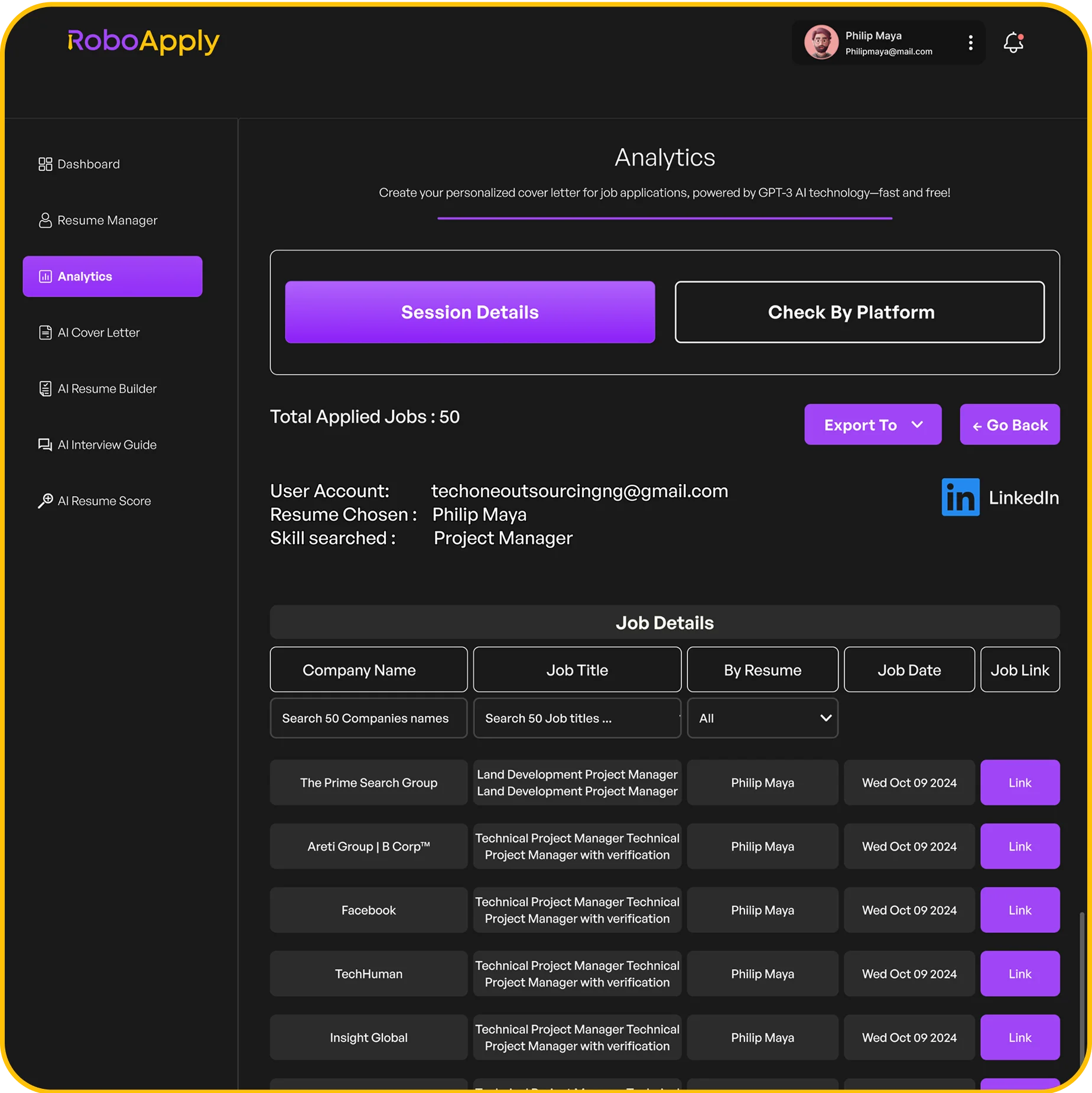
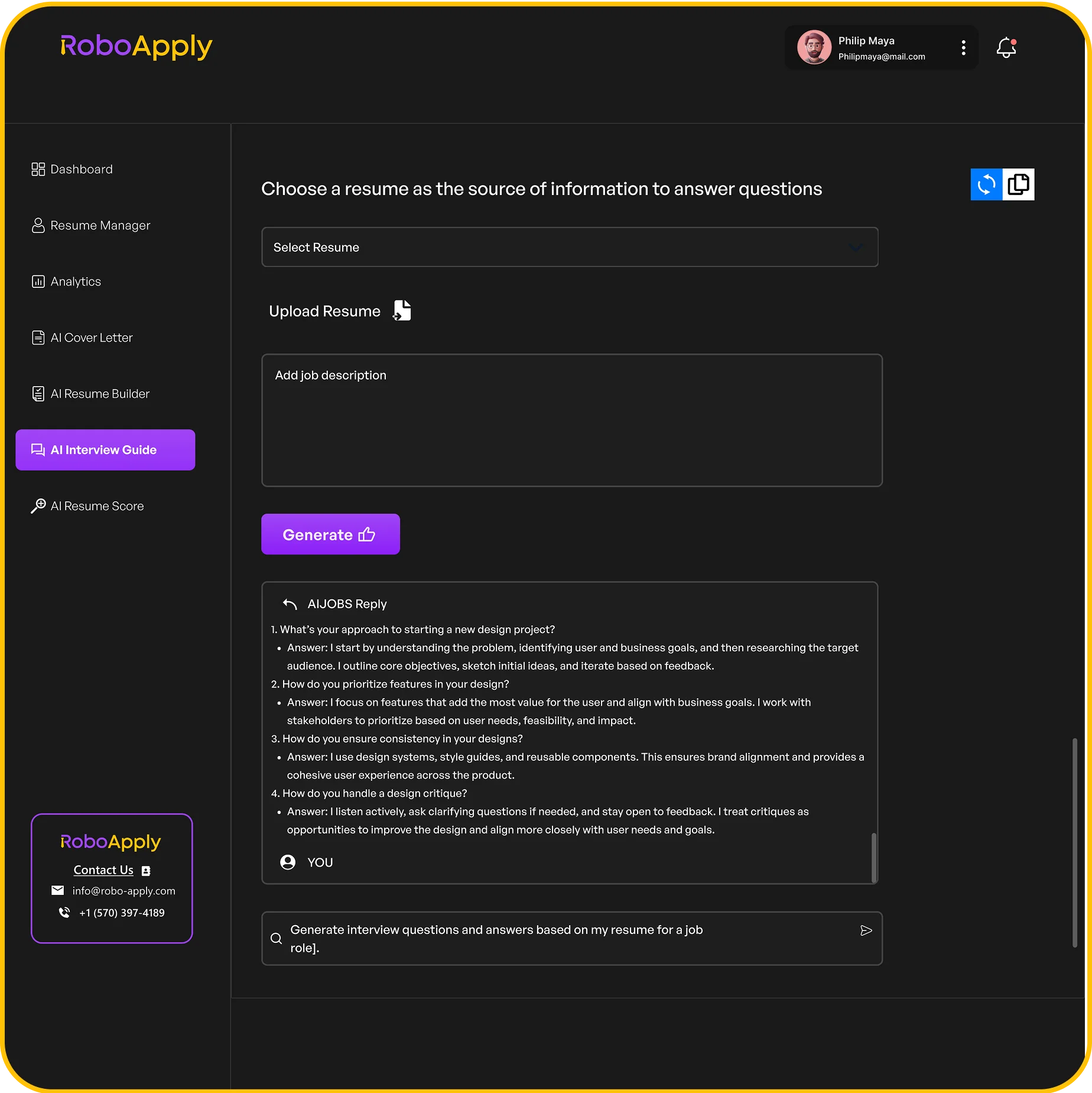
RoboApply’s Resume Builder transforms how job seekers create resumes. The AI-powered resume builder creates professional documents in minutes. Upload your existing resume or start fresh. The system generates optimized content matching job requirements.
The platform analyzes job descriptions and adjusts your resume. It highlights relevant skills employers want. Each version showcases your qualifications effectively.
Choose from multiple professional resume templates within the platform. The AI Resume Score feature analyzes your document and suggests improvements. This ensures your resume passes ATS.
The system works with the AI Cover Letter Generator for complete applications. Create matching documents presenting a cohesive personal brand.
Job seekers using AI tools apply faster. When you create your new resume in minutes, you submit applications before competitors. The Auto Apply feature submits applications to hundreds of positions automatically.
Frequently Asked Questions
What makes a resume template ATS-friendly?
ATS-friendly resume templates use simple formatting without graphics, tables, or columns. They include standard section headings and compatible file formats. Standard fonts and clear structure help applicant tracking systems read content.
Should I use a one-page or two-page resume template?
Use one-page resume templates if you have less than 10 years of experience. Two-page formats work for senior professionals with extensive career achievements. Keep resume length appropriate to your experience level.
Can I use the same resume template for different jobs?
Yes, but customize content for each application. The template structure stays consistent while you adjust summary, skills, and experience. Tailoring content to job requirements improves success rates with hiring managers.
What’s the best font for traditional resume templates?
Use standard fonts like Arial, Calibri, Times New Roman, or Georgia. Choose 11-12 point size for body text and 14-16 points for your name. Consistent fonts help both ATS and human reviewers.
How often should I update my resume template?
Update your resume after completing major projects, earning certifications, or changing roles. Refresh it every 6 months when not job searching. Regular updates ensure you capture achievements.